Amazon Affiliate Links That Open the Amazon App (Not a Browser Tab)
Amazon affiliate clicks from Instagram and TikTok land in a logged-out browser. Make one link that opens the Amazon app and keeps your Associates tag.
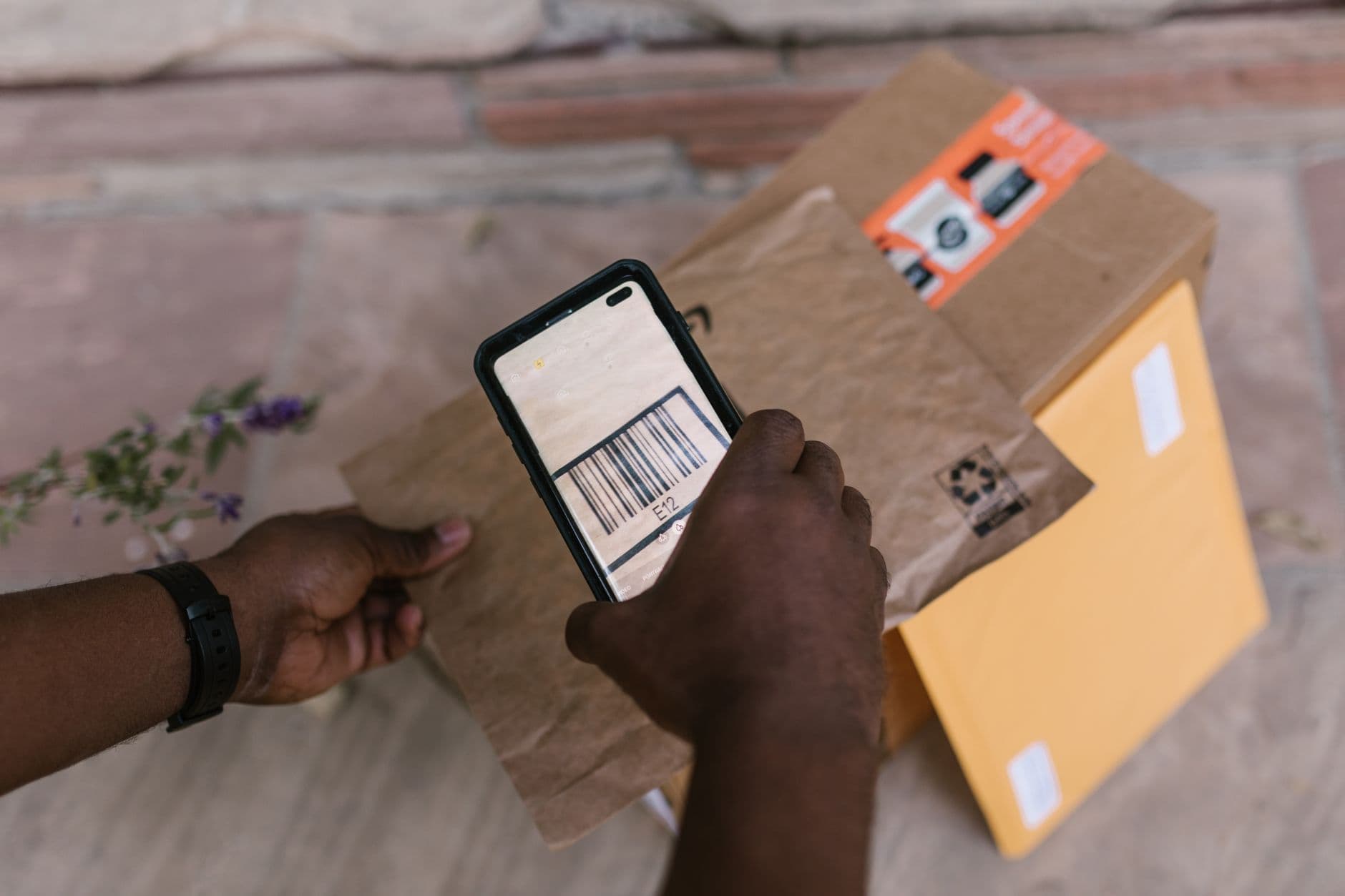
You recommend a product, your audience taps the link, and Amazon opens. That is the plan. On a phone, the real path usually looks different: the tap opens a browser inside Instagram or TikTok, the shopper is not signed in, the cart is empty, and checkout means typing a password they do not remember.
Many of them close the tab. You made the sale, and then lost it.
This guide explains why Amazon affiliate links so often skip the Amazon app, why amzn.to links make it worse, and how to share one link that opens the Amazon Shopping app on iPhone and Android while keeping your Associates tag intact.
Why the Amazon app matters for affiliate sales
The Amazon app is where your audience is already signed in. Their address, payment method, Prime membership and saved cart are all there. A mobile browser, especially one embedded in a social app, starts from zero.
That difference shows up at every step:
- Sign-in friction: in-app browsers do not share cookies with Safari or Chrome, so the shopper is almost always logged out.
- No one-tap checkout: without a session there is no "Buy Now" with saved details.
- Weaker trust: a stripped-down webview inside another app feels less safe than the real Amazon app.
- Lost carts: if they add to cart in the webview, that cart may never reach their phone's Amazon app.
If your audience lives on mobile social apps, getting the tap into the Amazon app is one of the biggest levers you have on affiliate conversion.
Why amzn.to links rarely open the app
The Amazon app opens from links through Universal Links on iOS and App Links on Android. Both depend on the phone recognizing an amazon.com (or amazon.co.uk, amazon.de, and so on) URL at the moment the user taps it.
amzn.to, amzn.eu, amzn.asia and a.co are short-link redirectors. The phone sees a link to amzn.to, not to Amazon's store, so the app-opening rules do not fire. By the time the redirect lands on amazon.com, the browser has already taken over. iOS in particular only opens an app from a direct tap, not from a redirect chain.
Then there are the social apps. Instagram, TikTok, Facebook and others open links in their own embedded browser, which often ignores app links entirely.
What a smart Amazon link does differently
A smart link checks who is tapping and sends them the right way:
| Visitor | What happens |
|---|---|
| iPhone | Shows a one-tap Open in Amazon button that opens the Amazon Shopping app, or the product page if the app is missing |
| Android, Amazon app installed | Opens the Amazon app through an Android intent |
| Android without the app | Opens the Amazon product page in the browser |
| Desktop | Goes straight to the Amazon product page |
| Android, inside Instagram or TikTok | Shows the same one-tap button, because those browsers only open apps from a tap |
On Smart Link, Amazon short links are handled when you create the link. An amzn.to (or amzn.eu, amzn.asia, a.co) URL is expanded once to the full store URL, and that is what the smart link points to. The query string is kept exactly as Amazon returns it, so your Associates tag= stays attached and commissions still track.
Keep your Associates tag intact
Affiliate creators are rightly nervous about anything that touches their links. Before you use any link tool for Amazon, check three things:
- The tag survives. Open the final URL and confirm
tag=yourtag-20(or your region's equivalent) is still there. - No cloaking that breaks Amazon's rules. The visitor should always end up on a real Amazon product page, with nothing in between that hides where the link goes. Read the current Amazon Associates Operating Agreement for your region, since the rules change.
- Disclosure is still yours. A smart link does not replace an affiliate disclosure. Keep "#ad" or "affiliate link" wording wherever your platform and local law require it.
Smart Link keeps the original Amazon URL, tag included, and the destination is always the Amazon page you chose.
Where to use smart Amazon links
- Instagram bio and Stories link stickers: these open in Instagram's browser by default, which is exactly where the shopper is logged out.
- TikTok bio and comments: same problem, same fix.
- YouTube descriptions and pinned comments: many viewers watch in the YouTube app, which also opens its own browser.
- Newsletters: email apps on phones often open links in a webview too.
- QR codes on packaging or at events: one code that opens the app on any phone. See QR codes that pick the right destination.
Measure what the link is doing
Clicks alone will not tell you whether the change worked. Compare two weeks before and after on:
- Mobile share of clicks, to confirm most of your audience really is on phones.
- Referrer, to see which platform sends the most shoppers.
- Country, because a UK audience clicking
amazon.comlinks earns you nothing. Send them to the right regional store. - Ordered items in your Associates report, the number that actually matters.
Smart Link shows clicks by device, country, city and referrer for each link. Pair that with UTM tags if you also want campaign-level reporting.
Step by step: make your first Amazon smart link
- Copy the product link from Amazon, either the full URL or the
amzn.tolink from SiteStripe. - Paste it into Smart Link and give it a readable code, for example
/l/desk-lamp. - Check that the destination shows the full Amazon URL with your tag.
- Put the smart link in your bio, Story, video description or newsletter.
- Tap it yourself from Instagram on an iPhone and an Android phone, and confirm the Amazon app opens.
Frequently asked questions
Do smart links break Amazon affiliate tracking?
No. The visitor ends up on the same Amazon URL you would have shared, with the same tag= parameter. Amazon attributes the sale the same way.
Why does my amzn.to link open a browser instead of the app?
Because the phone sees amzn.to, not an Amazon store URL, so Universal Links and App Links do not trigger. Social apps add a second layer by opening links in their own browser.
Does it work for Amazon stores outside the US?
Yes. Smart Link recognizes the major retail storefronts, including amazon.co.uk, .de, .fr, .it, .es, .ca, .com.au, .co.jp, .in and more.
What if the shopper does not have the Amazon app?
They see the normal Amazon product page in their browser, the same as a regular link.
Stop losing the sale after the click
Your recommendation did the hard part. The link should not undo it. Send shoppers into the app where they are already signed in, keep your tag intact, and measure the difference.
Create an Amazon smart link and test it from your own Instagram bio today.